
Design & Creative AI Tools
21 design & creative AI tools, ranked by reviews & quality.





About design & creative AI tools
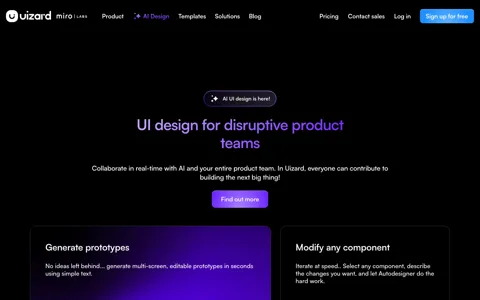
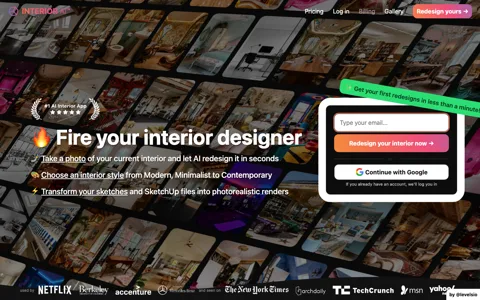
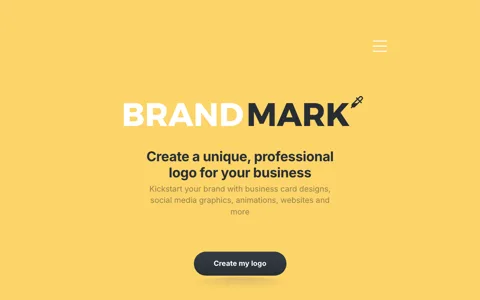
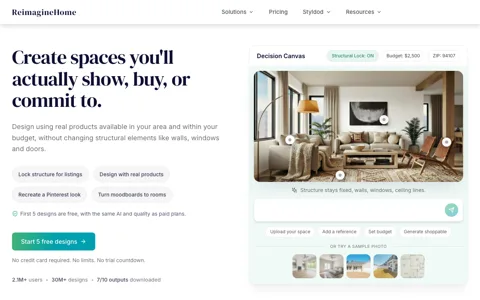
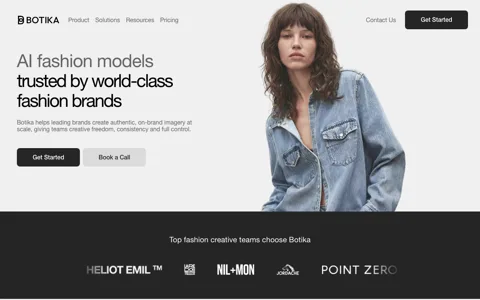
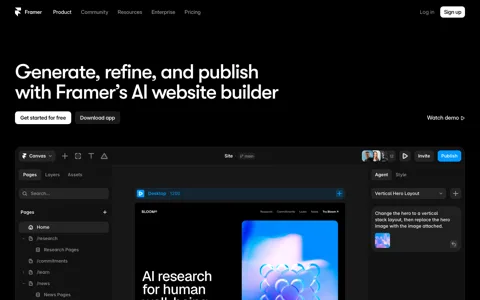
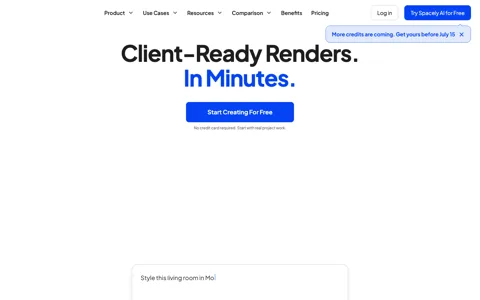
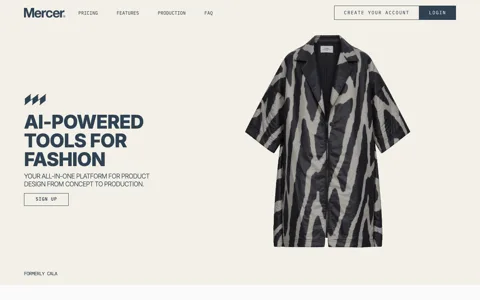
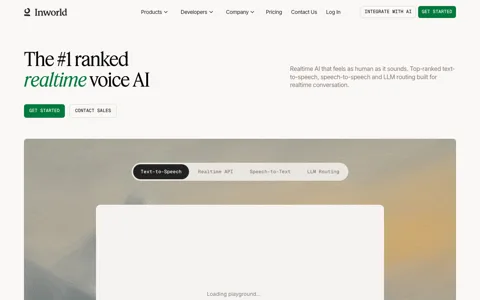
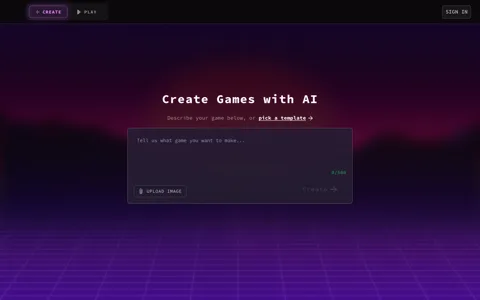
Design & Creative tools are AI tools built for design & creative. This page is a living directory of the 21 design & creative AI tools we track in the AI space, ranked by community reviews, verified partner status and quality signals. Popular picks right now include Figma AI, Uizard, Looka, Interior AI and Vue.ai. Every listing carries a dated screenshot so you can see the current product, not a stale marketing shot, along with real ratings and reviews from people who actually use these tools. Whether you're picking your first design & creative tool or replacing one that no longer fits, the goal of this page is to get you to a confident shortlist quickly — without the hype, and without paying to read an honest opinion.
What are design & creative AI tools?
Design & Creative AI tools help teams and individuals with getting more done with less manual effort. Instead of slow, repetitive manual effort, they use machine-learning models — often large language or diffusion models — to do the heavy lifting, while the best of them keep a human firmly in control of the final result. The category sits within ai and overlaps with adjacent tools you'll also find across all-ai.tools, so it's common to combine two or three of them in a single workflow.
Adoption in this space has moved fast. What used to require a specialist or an agency can now be drafted in minutes and then refined by a human, which is why design & creative tools have become a standard part of many teams' toolkits rather than a novelty.
How to choose the right design & creative tool
When comparing design & creative tools, weigh accuracy, ease of use, integrations, pricing transparency and how your data is handled. Start with a free tier or trial where one exists, and test it on a real task pulled from your own workflow rather than the vendor's polished demo — the gap between the two is the single best predictor of whether you'll keep using it. Check whether the output holds up under editing, how quickly it responds, and how it handles your edge cases.
Then read the community reviews below the fold. Repeated complaints about reliability, surprise pricing or poor support tell you far more than any feature checklist, and they're the reason we let real users rate every tool here.
Key features to compare
Most design & creative tools compete on a handful of dimensions: output quality, ease of use, the integrations they offer with the rest of your stack, how transparent and predictable their pricing is, and — increasingly important — how they handle your data. For business use, confirm the commercial-use terms and whether your inputs are used to train the vendor's models. A tool that's a joy to use but can't export or plug into your other systems will quietly cost you time later.
Free vs paid design & creative tools
Many design & creative tools are freemium: a usable free tier plus paid plans that unlock volume, speed or commercial licensing. If you're just exploring, the free tier is often enough. Once you hit rate limits, need commercial rights, or want your data kept private, that's usually the signal to upgrade. Use the pricing filter on this page to narrow to free, freemium, trial or paid options and compare like for like.
Who uses design & creative AI tools?
Users range from solo creators and founders to marketing, product, engineering and operations teams inside larger companies. The common thread is a repetitive, time-consuming job around getting more done with less manual effort that an AI tool can accelerate. Browse the ranked list above, open a few listings to see their current screenshots and reviews, and trial your top two or three on real work before you commit.
Frequently asked questions
What is the best design & creative AI tool?
There's no single winner — it depends on your use case and budget. The tools at the top of this page are ranked by community reviews and quality signals; Figma AI is a common starting point. Compare a few and trial them on your own work.
How many design & creative AI tools are there?
We currently track 21 design & creative tools on all-ai.tools, and the list grows as new tools are submitted and approved.
Are these tools free?
Some are fully free, many are freemium with a usable free tier, and others are paid or enterprise. Each listing shows its pricing model, and you can filter this page by pricing.