.png)
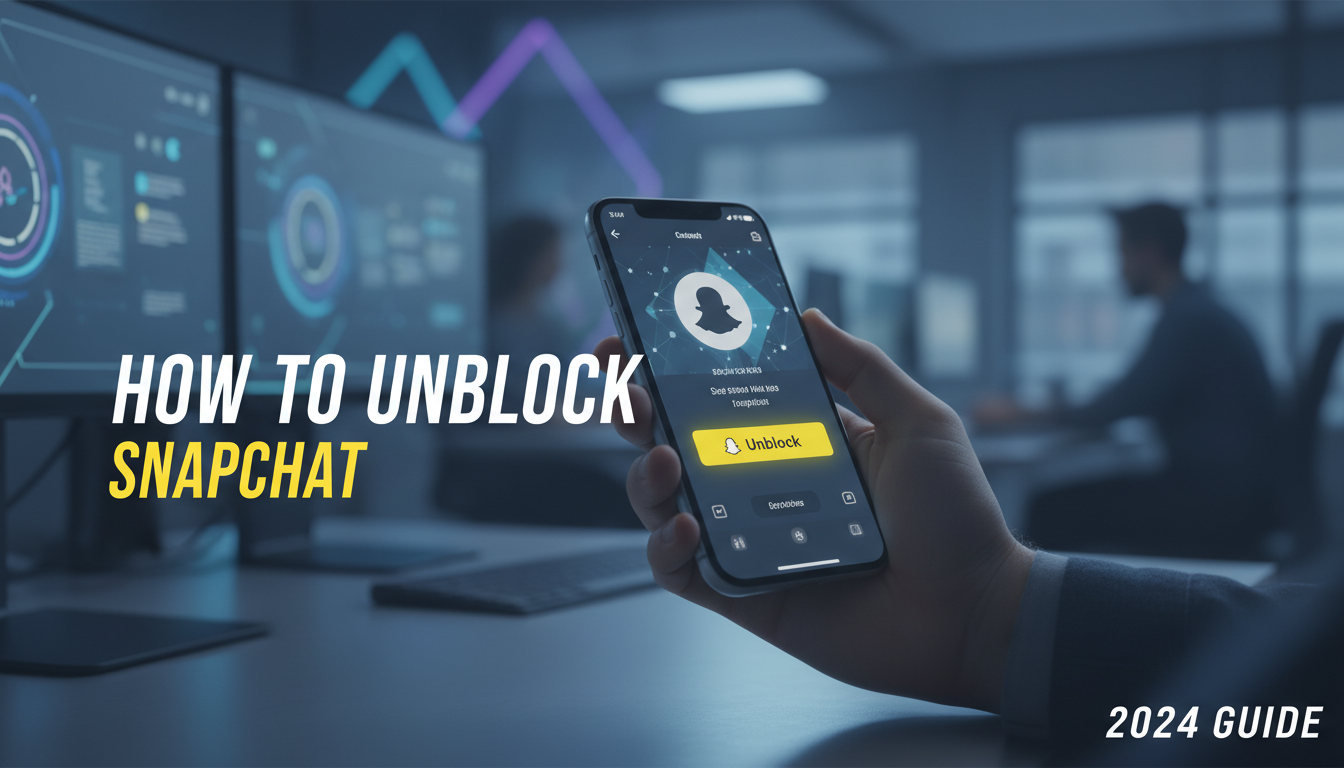
Introduction: Navigating Digital Boundaries on Snapchat
In the fast-paced world of social media, digital interactions can be as fluid as they are fleeting. Snapchat, known for its ephemeral content and rapid-fire communication style, often serves as a primary hub for our closest connections. However, in the heat of a misunderstanding—or perhaps due to a mere accidental slip of the finger—you may have found yourself blocking a friend or contact. Blocking is a powerful privacy tool, effectively severing digital ties and rendering profiles invisible to one another. But what happens when the dust settles, or you realize it was a mistake?
As a senior tech writer who has covered the evolution of social platforms for over 15 years, I have seen the mechanics of user privacy shift dramatically. Unblocking someone on Snapchat is not just a technical action; it is a re-initiation of a digital connection. This guide is designed to be your definitive resource for 2024, walking you through the exact steps to reverse a block, understanding the implications for your chat history and streaks, and troubleshooting common issues that arise during the process.
Whether you are looking to restore a friendship, correct an accidental block, or simply manage your privacy settings more effectively, this comprehensive article covers every angle. For more insights into managing your digital life and tech tools, explore our extensive resources at the All AI Tools Blog.
Understanding the Block Function: What Actually Happens?
Before diving into the "how-to," it is crucial to understand the mechanics of the "what." When you block someone on Snapchat, the platform erects a total digital wall between you and that user. Unlike merely removing a friend, blocking prevents them from finding your account via search, viewing your stories, or sending you snaps. To them, it appears as though your account has ceased to exist.
Unblocking is the dismantling of this wall. However, it does not automatically restore things to how they were before. It is a reset button, not a rewind button. Understanding this distinction is key to managing expectations regarding chat logs, streaks, and friend status once the block is lifted.
Block vs. Remove: Knowing the Difference
Many users confuse blocking with removing a friend. It is essential to distinguish between the two:
- Removing a Friend: They can still see your public content and find you in search, but they cannot send you private snaps (depending on your privacy settings) or see "Friends Only" content.
- Blocking: A complete blackout. No visibility, no contact ability, and immediate removal from friend lists on both sides.
Step-by-Step: How to Unblock Someone on Snapchat (2024 Guide)
The interface of Snapchat has evolved, but the core privacy settings remain tucked away in a specific menu. Whether you are using an iOS device (iPhone) or an Android smartphone, the steps are universally similar. Follow this walkthrough to unblock a user safely.
Step 1: Accessing Your Profile
Open the Snapchat application. By default, it opens to the camera screen. Tap your Bitmoji or profile icon located in the top-left corner of the screen. This action takes you to your profile dashboard.
Step 2: navigating to Settings
In the top-right corner of your profile page, you will see a gear icon. Tap this to open the Settings menu. This menu houses everything from your account data to privacy controls.
Step 3: Locating the Blocked Users List
Scroll down through the Settings menu. Snapchat categorizes settings into sections like "My Account," "Additional Services," and "Privacy Control." You need to scroll until you find the Account Actions or Privacy Controls section (depending on your app version). Look for the tab labeled Blocked.
Step 4: The Unblocking Action
Tap on Blocked. You will now see a list of every user you have currently blocked. To unblock someone:
- Find the username of the person you wish to reinstate.
- Tap the X icon next to their name.
- A confirmation prompt will appear asking, "Are you sure you want to unblock this snapchatter?"
- Tap Yes or Unblock to confirm.
Once confirmed, the name will disappear from the Blocked list, signaling that the digital barrier has been lifted.
The Aftermath: What Happens After You Unblock?
Unblocking is only half the battle. As mentioned earlier, lifting the block does not automatically place the person back onto your Friends list. Here is what you need to prepare for immediately after unblocking a user.
1. You Must Re-Add Them
Blocking a user automatically unfriends them. Therefore, when you unblock them, they are a stranger to your account. You will need to search for their username and send a new Friend Request. This is often the most awkward part of the process, as they will receive a notification that you have added them, which might prompt questions if they realized they were blocked.
2. Chat History Recovery
One of the most common questions is regarding saved messages. Generally, blocking clears the chat thread from your main feed. However, if there were saved messages in the conversation, they may reappear once you re-add the person and open a chat with them, depending on how long the block lasted and Snapchat’s server retention policies at the time. However, do not bank on this; often, the slate is wiped clean.
3. Snap Streaks are Likely Gone
If you had a Snap Streak going before the block, it is almost certainly broken. Streaks require interaction within a 24-hour window. Unless the block and unblock happened very quickly (and you managed to exchange snaps within the window), the fire icon will have extinguished.
Troubleshooting: Why Can’t I Unblock Them?
Technology is not without its glitches. Occasionally, users report being unable to unblock someone or find them after unblocking. As a tech strategist, I recommend looking at connectivity and software conflicts first.
Network and Connectivity Issues
Snapchat requires a stable connection to update its server-side block lists. If you are on a restricted network (like a school or workplace Wi-Fi) or using a VPN that routes traffic aggressively, the app might fail to process the request. If you suspect your VPN is interfering with app functionality, you might find our guide on how to turn off VPN on iPhone particularly useful to ensure your settings save correctly.
The "Two-Way Block" Paradox
If you blocked them, and they realized it and blocked you in return, you might encounter a stalemate. You cannot see their profile to unblock them because they blocked you, and vice versa. In this rare scenario, mutual unblocking becomes difficult without third-party communication.
App Caching Errors
Sometimes the app simply lags. If the user is still appearing in your blocked list after you tapped "Yes," try clearing your Snapchat cache (found in Settings > Account Actions > Clear Cache). This forces the app to re-download the latest data from the server.
Privacy Management and Digital Wellbeing
While unblocking is a technical process, it is rooted in social management. In the broader context of digital wellbeing, it is vital to curate your online experience to protect your mental health. Just as gamers might seek advice on how to get unbanned from Roblox to rejoin a community, Snapchat users manage blocks to curate their social circle. Ensure that unblocking someone aligns with your peace of mind.
If you are unblocking someone to permit them to view specific content but not interact, consider adjusting your Privacy Settings instead. You can set "Contact Me" to "My Friends" while allowing "View My Story" to be "Everyone," or use the "Custom" story settings to fine-tune visibility without the harshness of a block.
Leveraging Tech for Smoother Interactions
In 2024, our tools are smarter than ever. If you are navigating complex social situations or trying to draft the perfect message to a newly unblocked friend, AI tools can be surprisingly helpful. You can use large language models to draft diplomatic messages or understand social slang. If you are new to this, check out our tutorial on how to ask AI a question effectively to get the best advice for your social dilemmas.
Furthermore, if you are unblocking friends to coordinate gaming sessions, you’ll want to ensure your platforms align. For instance, knowing if GTA 5 is crossplay can save you a headache after you’ve gone through the trouble of reconnecting on Snapchat to set up a game night.
Advanced Tips: Handling Harassment and Restrictions
Sometimes, we block people not because of a petty fight, but due to harassment. If you are unblocking someone to gather evidence or because the situation has de-escalated, proceed with caution. Always prioritize your safety. If you are in an environment where your access to social platforms is restricted, such as a school network, you might be familiar with the struggle of bypassing filters. While we discuss topics like unblocked game websites for school, remember that bypassing network restrictions for social media should be done responsibly and within the rules of your institution.
Frequently Asked Questions (FAQ)
1. Will the person know if I unblock them?
Snapchat does not send a notification when you unblock someone. However, because you are no longer friends, you must re-add them. The notification they receive will be "[Your Name] added you as a friend," which is a strong indicator that they were previously removed or blocked.
2. Does unblocking restore our Snap Streak?
No. Blocking someone breaks the streak immediately. Unless Snapchat Support intervenes (which is rare for blocks initiated by the user), you will have to start your streak from zero.
3. Can I block them again immediately after unblocking?
Yes, but be careful. Frequent blocking and unblocking can sometimes flag your account for suspicious activity or hit temporary rate limits within the app. However, generally, you can re-block someone instantly if you change your mind.
4. I unblocked them, but I can’t find their username. Why?
This could mean three things: they have blocked you, they have deleted their account, or they have changed their username. Try searching for their real name if they have it linked, or ask a mutual friend to share their profile with you.
5. Does blocking delete saved messages?
Blocking removes the conversation from your main chat feed. When you unblock and re-add them, saved messages might be restored if the conversation wasn’t purged from the server, but typically, blocking acts as a way to wipe the slate clean. For guaranteed deletion, you should delete chats manually before blocking.
6. Is there a limit to how many people I can block?
Currently, Snapchat does not publicize a strict limit on the number of accounts you can block. However, managing a massive block list can sometimes slow down the loading of your privacy settings.
Conclusion
Unblocking someone on Snapchat is a straightforward process hidden behind a few layers of settings. While the act itself takes mere seconds, the social implications—re-adding friends, explaining the gap in communication, and restarting streaks—take a bit more effort. By following this 2024 guide, you can navigate these digital waters with confidence.
Technology is best used when it serves our needs, whether that means using unblocked resources for entertainment or managing our privacy settings to maintain healthy boundaries. Remember that your social media experience is yours to curate. For more expert guides on navigating the tech landscape, from fixing iPhone settings to mastering AI prompts, keep reading at All AI Tools.

The editor of All-AI.Tools is a professional technology writer specializing in artificial intelligence and chatbot tools. With a strong focus on delivering clear, accurate, and up-to-date content, they provide readers with in-depth guides, expert insights, and practical information on the latest AI innovations. Committed to fostering understanding of fun AI tools and their real-world applications, the editor ensures that All-AI.Tools remains a reliable and authoritative resource for professionals, developers, and AI enthusiasts.