.png)
Introduction: The Evolution of the Endless Runner on Desktop
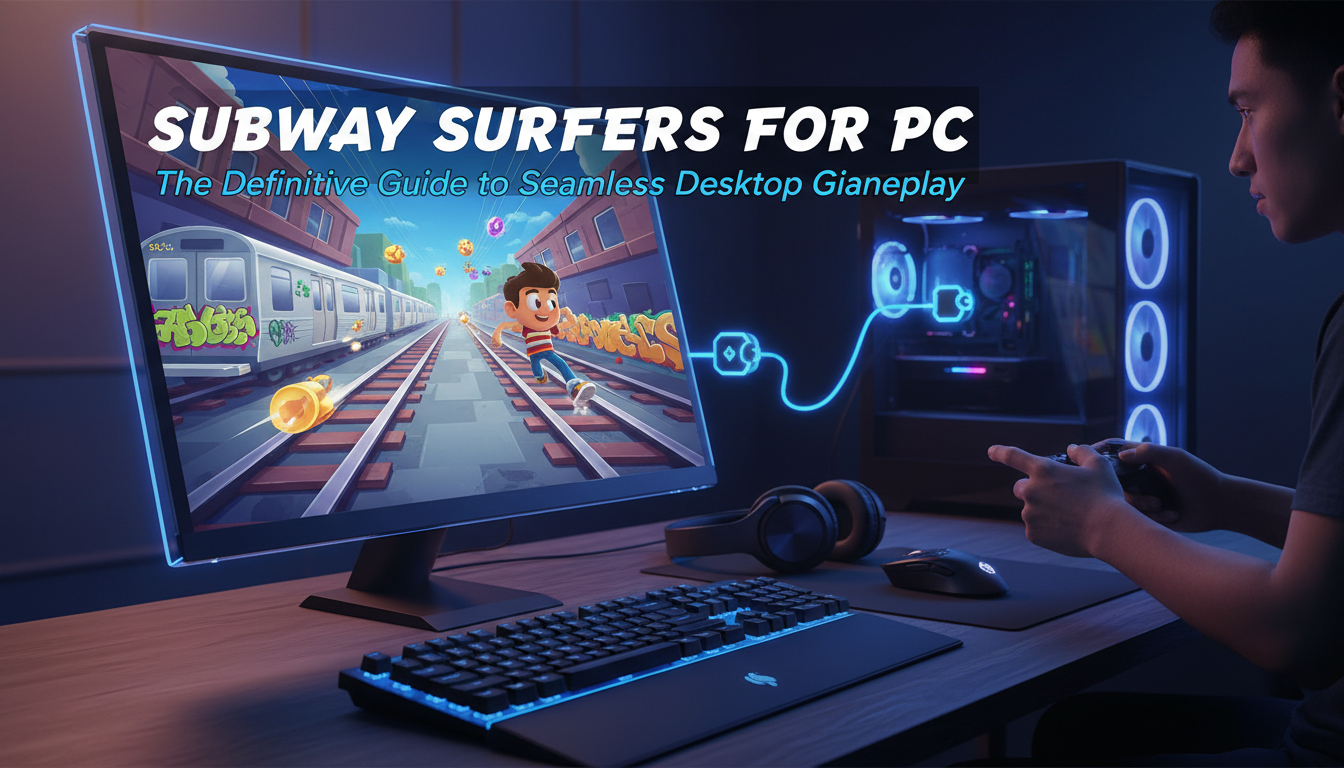
Since its launch in 2012 by Kiloo and SYBO Games, Subway Surfers has dominated the mobile gaming landscape, amassing billions of downloads and defining the endless runner genre. While designed for the swipe-centric interface of smartphones, the transition to Subway Surfers for PC has become a massive trend among competitive gamers and casual players alike. Playing on a desktop offers unparalleled precision, superior graphics, and the elimination of battery anxiety, transforming a casual commute killer into a high-fidelity gaming experience.
At All AI Tools, we have analyzed the gaming ecosystem to bring you this definitive guide. Whether you are looking to beat a world record or simply enjoy the vibrant visuals on a larger monitor, understanding the mechanics of desktop gameplay is crucial. This article explores the most effective methods to play Subway Surfers on PC, from high-performance Android emulators to official browser-based solutions, ensuring a seamless and lag-free experience.

Why Play Subway Surfers on PC?
While the mobile version offers portability, the PC version unlocks the game’s full potential. The constraints of a touchscreen—finger obstruction, input lag, and screen smudging—are non-existent on a desktop setup. Here is why making the switch is a strategic move for serious players:
- Precision Control Mapping: Mechanical keyboards offer tactile feedback that touchscreens cannot replicate. Executing a frame-perfect roll or a rapid lane switch is significantly easier with WASD or Arrow keys.
- Visual Fidelity: Mobile devices often throttle graphics to save battery. On a PC, you can run the game at 1080p or 4K resolution with consistent 60+ FPS, allowing you to appreciate the intricate art style and fluid animations.
- Multitasking Capabilities: For content creators or those playing while working, running the game in a windowed mode allows for better multitasking.
- Network Stability: A wired Ethernet connection eliminates the latency spikes common with mobile data or unstable Wi-Fi, ensuring your run isn’t ruined by lag.
Method 1: Using Android Emulators (The Gold Standard)
The most robust way to play Subway Surfers on PC is via Android emulation. This software mimics a mobile device’s architecture on your computer, allowing you to run the native APK file with full hardware acceleration.
Top Emulators for Subway Surfers
Based on our testing at All AI Tools, the following emulators provide the best balance of performance and resource usage:
- BlueStacks 5: Known for its “Eco Mode” and massive instance manager, it is arguably the industry leader. It offers pre-configured keymapping for Subway Surfers right out of the box.
- NoxPlayer: A favorite for users who want deep customization options for root access and script recording.
- LDPlayer: Extremely lightweight, making it ideal for older PCs or laptops with limited RAM.
Step-by-Step Installation Guide
- Download the Emulator: Visit the official website of your chosen emulator and download the installer.
- Install and Sign In: Run the installer. Once opened, sign in to the Google Play Store using your Google account to access your app library.
- Search and Install: Type “Subway Surfers” in the search bar. Click install, just as you would on a phone.
- Configure Controls: Launch the game. Open the “Keymapping” tool (usually a keyboard icon on the sidebar). Map ‘Swipe Up’ to ‘W’ or ‘Up Arrow’, ‘Swipe Down’ to ‘S’ or ‘Down Arrow’, and so forth.
For players interested in exploring other mobile titles on desktop, understanding emulation is key. This same method applies if you are looking into modded experiences, similar to how one might explore unlocking premium content safely in games like Toca Boca.
Method 2: Browser-Based Gameplay (No Download Required)
If you cannot install software due to administrative restrictions—perhaps you are on a school or work computer—HTML5 browser versions are your best alternative. Developers Kiloo and SYBO have partnered with platforms like Poki to host official web versions of the game.
Pros and Cons of Web Versions
- Pros: Instant access, no disk space usage, works on Chromebooks and restricted networks.
- Cons: Generally lower resolution, potential input delay depending on browser load, and fewer updates compared to the app store version.
This method is similar to accessing unblocked game websites for school, where bypassing installation restrictions is the primary goal. It ensures you can enjoy a quick session without compromising system security or violating admin protocols.
Optimizing Performance for Competitive Play
To achieve high scores in the millions, your setup must be flawless. Stuttering frames can lead to a crash. Here is how to optimize your PC for Subway Surfers:
Graphics and Frame Rate
Within your emulator settings, allocate at least 2 CPU cores and 4GB of RAM to the instance. Set the frame rate to “High” (60 FPS or above). If you have a dedicated GPU, ensure the emulator is using it rather than integrated graphics. This mirrors the performance differences seen when comparing high-end mobile hardware, such as in our Honor Magic 5 Pro flagship analysis, where hardware capability dictates gaming fluidity.
Audio Immersion
Sound cues are vital in Subway Surfers. The sound of a train approaching or the chime of a power-up can improve reaction times. For the best experience, use a low-latency audio setup. If you are using a controller or console-adjacent setup on your PC, you might want to read our guide on connecting Bluetooth headphones, as the principles of reducing audio latency apply here as well.
Advanced Gameplay Tactics: Keyboard vs. Mouse
The debate between keyboard and mouse control is settled for high-level play: The Keyboard reigns supreme.
The Keyboard Advantage
Assigning directional swipes to specific keys allows for “buffering” moves. You can press ‘Jump’ slightly before an obstacle, and the game will register the input the moment the action is possible. Mouse swipes can be inconsistent in length and speed, leading to accidental deaths.
- The Hoverboard Trigger: Map your Spacebar to “Double Tap”. This allows you to instantly activate your hoverboard in a panic situation, acting as a shield against a crash.
- Menu Navigation: While gameplay uses the keyboard, keep the mouse handy for navigating menus and the shop.
If you are exploring other classic games that benefit from precise inputs, you might enjoy revisiting Google Atari Breakout, another title where input precision dictates your longevity in the game.
The Future of Cross-Platform Gaming
The ability to play mobile games on PC is part of a larger trend of platform agnosticism. As Artificial Intelligence begins to optimize game code and emulation layers, we expect the line between mobile and desktop gaming to blur further. AI-driven upscaling could soon allow mobile assets to look native on 4K monitors without developer intervention.
For those interested in how technology is reshaping entertainment, keep an eye on future trends in AI, which predicts significant leaps in real-time rendering and cross-platform compatibility.
Frequently Asked Questions (FAQ)
1. Is playing Subway Surfers on PC free?
Yes, playing Subway Surfers on PC is completely free. Both the official browser versions and the Android app (via emulators) follow the free-to-play model. However, the game includes optional in-app purchases for coins, keys, and characters.
2. Can I sync my progress from mobile to PC?
Absolutely. If you use an emulator, you can log in to the game using the same Facebook or Google Play Games account linked to your mobile device. This will cloud-sync your high scores, unlocked characters, and currency. Browser versions usually do not support cross-platform sync as robustly.
3. What are the minimum system requirements for emulators?
Generally, you need Windows 7 or higher, an Intel or AMD processor, at least 4GB of RAM, and 5GB of free disk space. For optimal performance, Windows 10/11, 8GB RAM, and an SSD are recommended. Virtualization Technology (VT-x/AMD-V) should be enabled in your BIOS.
4. Is using an emulator considered cheating?
No, using an emulator is not considered cheating by the developers for single-player modes. However, some competitive leaderboards may segregate emulator users from mobile users to ensure fairness, though this is less common in endless runners compared to competitive shooters.
5. Why is my game lagging on the emulator?
Lag is usually caused by insufficient resource allocation. Go to your emulator settings and increase the allocated CPU cores and RAM. Also, ensure your graphics drivers are up to date. If issues persist, try enabling “Eco Mode” or closing background applications.
Conclusion
Subway Surfers for PC offers a definitive upgrade to the classic mobile experience. By leveraging the power of desktop hardware and the precision of mechanical controls, players can push their high scores to new heights and enjoy the game’s vibrant world in stunning detail. Whether you choose the robust route of Android emulation or the instant accessibility of browser-based play, the key to success lies in optimizing your setup and mastering the controls.
As the digital landscape evolves, tools that bridge the gap between platforms will only become more essential. Dive in, set up your keys, and start surfing without limits.

The editor of All-AI.Tools is a professional technology writer specializing in artificial intelligence and chatbot tools. With a strong focus on delivering clear, accurate, and up-to-date content, they provide readers with in-depth guides, expert insights, and practical information on the latest AI innovations. Committed to fostering understanding of fun AI tools and their real-world applications, the editor ensures that All-AI.Tools remains a reliable and authoritative resource for professionals, developers, and AI enthusiasts.