.png)
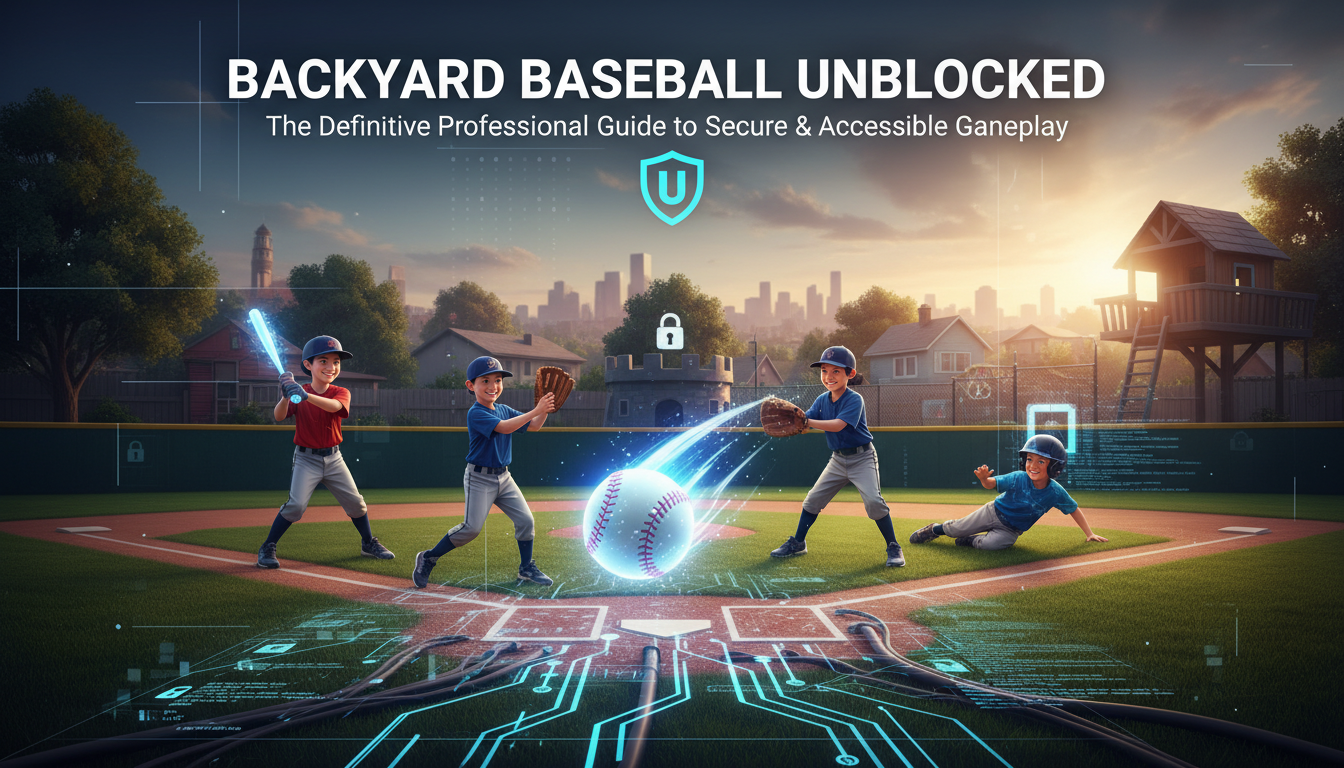
Introduction: The Enduring Legacy of the Sandlot and Digital Freedom
In the pantheon of sports gaming, few titles evoke as much visceral nostalgia and genuine affection as the original 1997 Backyard Baseball. Developed by Humongous Entertainment, this title didn’t just simulate a sport; it captured the essence of childhood summers, turning neighborhood kids like Pablo Sanchez and Pete Wheeler into legendary figures that rival actual MLB pros in the hearts of millennials. However, as technology has evolved and educational institutions have tightened their digital perimeters, accessing this classic title has become a complex challenge involving firewalls, network restrictions, and the death of Adobe Flash.
For students, office workers, and retro enthusiasts, the search for Backyard Baseball Unblocked is not merely about killing time—it is a quest to reclaim a piece of digital history in an era of restrictive internet filters. As a senior tech strategist, I have analyzed the architecture of browser-based emulation and network bypass methods to bring you this definitive guide. We will explore how to securely access this classic, the technology that makes it possible without modern consoles, and how to navigate the minefield of potential cybersecurity risks associated with “unblocked” gaming sites.
The Technical Landscape: From CD-ROM to HTML5 Emulation
To understand how to play Backyard Baseball today, one must understand the technical shift that occurred over the last decade. Originally distributed on CD-ROMs for Windows and Macintosh, the game relied on the SCUMM (Script Creation Utility for Maniac Mansion) engine. For years, browser versions relied heavily on Adobe Flash. When Flash was deprecated in 2020, thousands of gaming sites went dark.
Today, the ability to play Backyard Baseball unblocked relies on technologies like WebAssembly (Wasm) and HTML5, often utilizing emulators such as ScummVM or DOSBox ported to run directly in the browser. This allows the original game files to be processed by your browser (Chrome, Firefox, or Edge) without requiring local installation or administrative privileges—key factors when trying to bypass school or workplace restrictions.
Why Network Filters Block Gaming Sites
Network administrators at schools and corporations use sophisticated firewalls to block domains categorized as “Gaming” or “Entertainment.” They also block specific ports and keywords. “Unblocked” sites are essentially proxy sites or mirrors hosted on domains that have not yet been blacklisted by content filtering algorithms. However, finding reliable ones requires discernment to avoid malware.
Strategic Access: How to Play Backyard Baseball Unblocked
There are several methods to access the game safely. Below, we break down the most professional and secure ways to get Pablo Sanchez back at the plate.
1. Utilizing Reputable Unblocked Game Repositories
The most common method is accessing established repositories that host the emulated version of the game. These sites embed the ScummVM emulator within a web page. However, stability varies.
One of the most resilient platforms in this niche is Tyrone’s Unblocked Games. Known for its uptime and minimal ad intrusion, this repository frequently rotates domains to stay ahead of network filters. When accessing these repositories, ensure your browser’s JavaScript is enabled, as the emulator relies entirely on client-side scripting to render the graphics and audio.
2. The GitHub Method (The Developer’s Route)
For a more robust solution that is less likely to be blocked, tech-savvy users often turn to GitHub Pages. innovative developers host “forks” of open-source emulators with game ROMs pre-loaded. Because GitHub is a legitimate developer tool used for coding and education, it is rarely blocked by school firewalls. Searching for “Backyard Baseball ScummVM GitHub” often yields direct, clean access links without the pop-up ads found on commercial unblocked sites.
3. Browser Extensions and Portable Emulators
If web-based mirrors are blocked, portable browser extensions that function as DOS emulators can be used. These run locally on your machine within the browser sandbox, meaning the network firewall sees valid HTTP traffic rather than a gaming connection.
Top Resources for Unblocked Gaming
While Backyard Baseball is the primary target, building a portfolio of accessible sites ensures you always have options. When one domain gets flagged by IT, you need alternatives.
- General Directories: For a curated list of reliable platforms, refer to our guide on unblocked game websites for school, which evaluates sites based on security and game library size.
- For Competitive Play: If you are looking for more fast-paced action alongside your baseball simulation, you might explore how to access 1v1 LOL unblocked games, which offers a different set of network challenges due to its multiplayer nature.
- Retro Classics: If the ScummVM emulator fails to load due to high server traffic, simpler retro integrations like Google Atari Breakout can serve as an immediate, low-bandwidth alternative.
Gameplay Strategy: Mastering the 1997 Meta
Once you have secured access, the goal shifts from connectivity to domination. The 1997 version of Backyard Baseball has a distinct “meta” that seasoned players recognize.
The Pablo Sanchez Factor
In the world of analytics, Pablo Sanchez is a statistical outlier. He is widely considered the greatest fictional athlete in video game history. When drafting your team, securing Pablo is non-negotiable. He excels in hitting, running, and fielding. A common strategy is to bat him second or third to maximize RBI opportunities.
Drafting for Chemistry and Stats
Unlike modern simulators, Backyard Baseball incorporates “chemistry” bonuses. Pairing siblings (like Achmed and Amir Khan) or friends boosts their stats. Conversely, placing rivals on the same team can degrade performance. Understanding these hidden metrics is crucial for a professional-grade playthrough.
Power-Ups Management
The game features power-ups like the “Aluminum Power” bat or “Crazy Bunt.” In an unblocked browser environment, input lag can sometimes occur depending on your internet connection. It is advisable to save power-ups for high-leverage situations (bases loaded) rather than using them immediately, as the browser emulation might drop frames during complex animations.
Security & Risk Mitigation: Staying Safe Online
Searching for “unblocked games” is unfortunately a vector for malware distribution. Unscrupulous site operators often bundle malicious scripts with game loaders.
Recognizing Red Flags
Avoid sites that ask you to download an executable (.exe) file to play a browser game. Backyard Baseball Unblocked should run entirely in the browser via HTML5/WASM. If a site asks for a plugin installation, close the tab immediately. Furthermore, if you encounter persistent pop-ups or browser redirects, you may have inadvertently visited a compromised mirror.
Network Security on Mobile
Many users attempt to bypass school Wi-Fi by using their mobile data or a VPN. If you are tethering or using a mobile device, managing your connection settings is vital for performance. For iOS users experiencing connectivity issues with game servers, you may need to check your configuration. Our guide on how to turn off VPN on iPhone can help resolve conflicts that prevent the emulator from establishing a handshake with the host server.
Alternatives to Backyard Baseball
If the 1997 classic is proving difficult to load due to specific firewall rules banning the ScummVM signature, consider other browser-based games that often slip through filters:
- Slope: A high-speed reflex game that uses simple 3D graphics, often unblocked because it looks like a geometry utility. Check out Slope unblocked games for access tips.
- Puzzle Games: Logic games are often categorized as “Educational” and remain accessible. For example, the What Beats Rock game unblocked is a text-based logic game that is rarely flagged by filters.
Frequently Asked Questions (FAQs)
1. Is playing Backyard Baseball Unblocked illegal?
Playing the game on a browser emulator essentially falls into a grey area of abandonware. While the copyright is technically held by the rights holders of Humongous Entertainment properties, the 1997 version is not commercially sold in a way that browser emulation actively cannibalizes current revenue. However, bypassing school firewalls may violate your institution’s Acceptable Use Policy.
2. Can I play Backyard Baseball on a Chromebook?
Yes, Chromebooks are excellent for this. Since they run Chrome OS, they are optimized for HTML5 and JavaScript execution. Most “unblocked” sites are specifically tested on Chromebooks since they are the dominant device in the US education sector.
3. Why does the game run slowly on my school computer?
Browser emulation is CPU-intensive. It translates the original code into instructions your modern browser understands in real-time. School computers often have limited RAM. Closing other tabs and ensuring no background video is playing can improve performance.
4. How do I save my season progress in the unblocked version?
This depends on the emulator implementation. Some HTML5 emulators store save data in your browser’s Local Storage or Cache. If you clear your browser history or cache (or if the school resets the terminals daily), you will lose your season data. Look for versions that allow you to “Download Save State” to your local drive.
5. Who is the best pitcher in Backyard Baseball 1997?
While Pablo Sanchez is the best overall player, Angela Delvecchio is arguably the best pitcher. Her ability to throw reliable heat and breaking balls makes her a top draft pick for the mound.
Conclusion
Backyard Baseball Unblocked is more than just a diversion; it is a testament to the longevity of well-crafted game design. The fact that a 1997 title remains a top search query for students and professionals in 2025 speaks volumes about its quality. By utilizing reputable repositories like Tyrone’s Unblocked Games, leveraging GitHub mirrors, and understanding the mechanics of browser emulation, you can securely relive the glory days of the Humongous Entertainment era.
Remember to prioritize digital safety: never download questionable files, respect your network’s security protocols, and always draft Pablo Sanchez first. Whether you are sneaking in an inning between classes or during a lunch break, the digital sandlot is open for business.

The editor of All-AI.Tools is a professional technology writer specializing in artificial intelligence and chatbot tools. With a strong focus on delivering clear, accurate, and up-to-date content, they provide readers with in-depth guides, expert insights, and practical information on the latest AI innovations. Committed to fostering understanding of fun AI tools and their real-world applications, the editor ensures that All-AI.Tools remains a reliable and authoritative resource for professionals, developers, and AI enthusiasts.